|
Getting your Trinity Audio player ready...
|
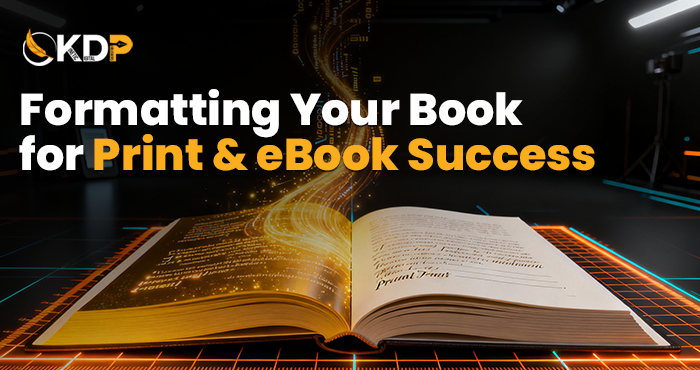
Formatting Your Book for Print & eBook Success
You finished writing your book. Amazing! But now comes a part that confuses most new authors: formatting.
Bad formatting gets your book rejected by Amazon. It makes eBooks look broken on devices. It creates ugly print books with weird margins. All preventable with proper knowledge.
Formatting your book for print & eBook success isn’t optional. It’s essential. Readers expect professional-looking books. Poor formatting screams amateur even if your writing is brilliant.
This book formatting guide shows you exactly what to do. Simple steps. Clear explanations. No confusing technical talk.
Why Proper Formatting Matters
Formatting affects how readers experience your book. Good formatting is invisible. Readers focus on your story or message. Bad formatting distracts constantly.
Amazon KDP rejects improperly formatted books. You upload. They reject. You fix. Upload again. This cycle wastes days or weeks. Getting it right first time saves massive frustration.
Professional formatting builds credibility. Readers unconsciously judge book quality by appearance. Clean formatting signals quality content. Messy formatting suggests low effort.
Reader Experience Depends on Formatting
eBooks need to adapt to different screen sizes. Phones, tablets, Kindles. Proper formatting ensures your book looks good everywhere. Bad formatting breaks on certain devices.
Print books need consistent margins and spacing. Headers in right places. Page numbers where they belong. These details matter hugely for reader comfort.
Font choices affect readability. Some fonts tire eyes quickly. Proper formatting uses reader-friendly fonts at comfortable sizes. This keeps people reading instead of giving up.
Understanding Print vs eBook Formatting
Print and eBook formatting follow different rules. What works for print often breaks eBooks. You need to format each version properly for its platform.
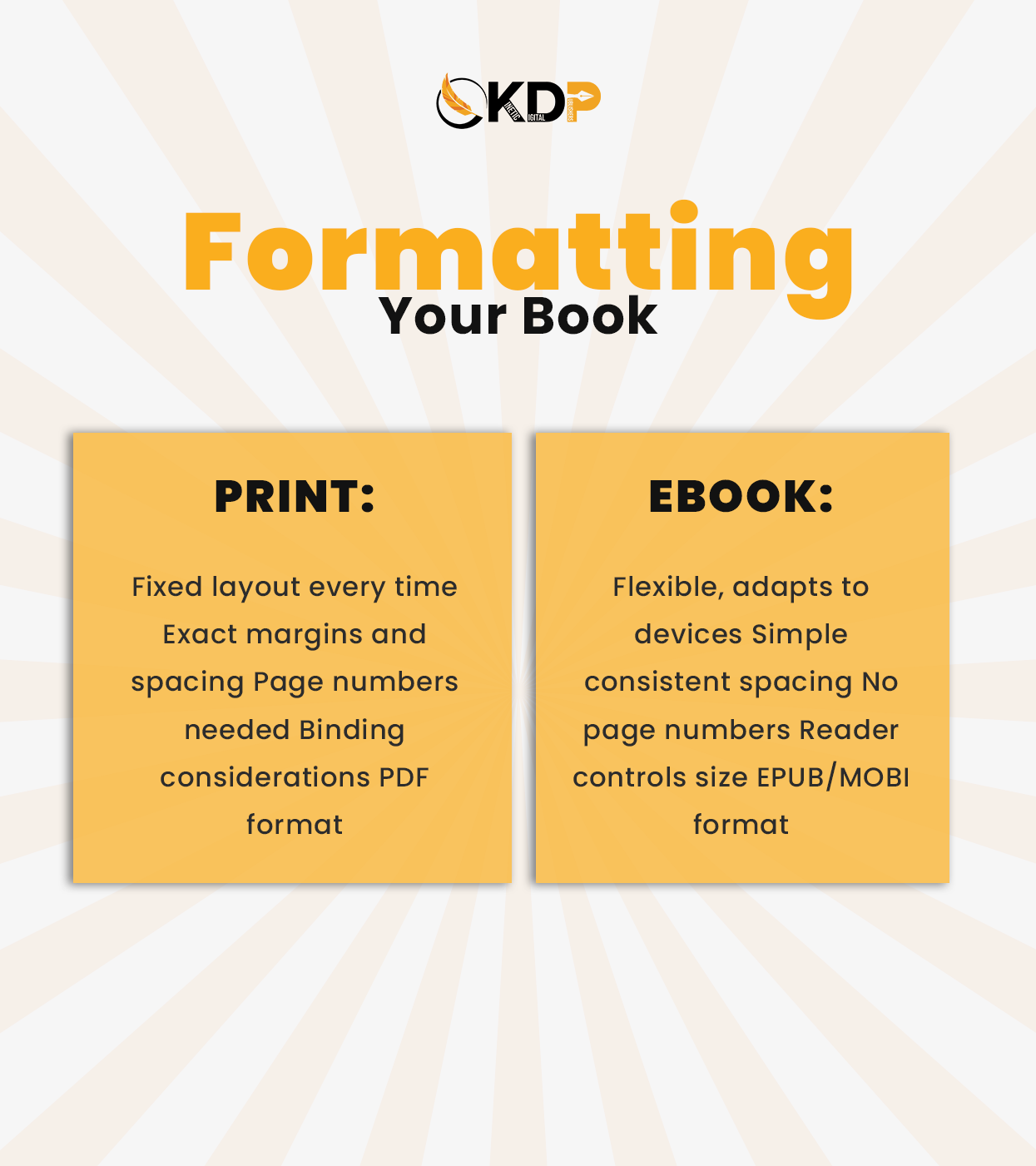
Print books are fixed. Every reader sees the same layout. Exact margins. Specific fonts. Locked design. You control everything about appearance.
eBooks are flexible. Readers adjust font size. Choose fonts they prefer. Your job is ensuring your book adapts smoothly to these changes without breaking.
Key Differences to Know
Print uses page numbers and headers. eBooks rarely use these because pages change based on reader settings. Different navigation systems.
Print needs exact margins for binding. Left and right margins differ. eBooks need simple consistent spacing. No complex margin settings.
Print formatting includes bleed and trim. Technical printing terms. eBooks don’t need these at all. Completely different technical requirements.
Essential Print Layout Best Practices
Print formatting starts with choosing the right trim size. Most novels use 6×9 inches. Business books often use 8.5×11. Your genre determines standard sizes.
Margins matter hugely in print. Inner margins (near binding) need extra space. Outer margins can be smaller. Top and bottom margins balance the page.
Print layout best practices include proper gutters. That’s the space where pages meet in the middle. Too little and text disappears into binding. Too much wastes space.
Setting Up Your Print Document
Use professional software like Microsoft Word or specialized tools. Set your page size to match your chosen trim size. Don’t use default letter size.
Create mirrored margins. Left pages and right pages need different margin settings. This ensures text doesn’t get lost in the binding area.
Add page numbers in footers. Usually centered or outer corners. First few pages often skip numbers. Back matter might use Roman numerals. Follow genre conventions.
eBook Formatting Tips That Work
eBook formatting tips start with simplicity. Less is more in eBooks. Fancy formatting often breaks. Simple formatting adapts well to different devices.
Use standard fonts. Times New Roman. Arial. Fonts that exist on all devices. Custom fonts might not display correctly everywhere.
Keep formatting clean. One space after periods. No manual spacing for indents. Use proper paragraph settings instead. Let the eBook format itself properly.
Creating eBook-Friendly Files
Start with a clean Word document. Remove manual formatting. Use built-in heading styles. Proper paragraph settings. No tabs or extra spaces.
Images need special attention. Save them separately at good resolution. Insert them properly. Too large and your file gets rejected. Too small and they look pixelated.
Links in eBooks should work. Clickable table of contents. Working URLs if you include websites. Test everything before uploading to make sure links function.
Common Formatting Mistakes to Avoid
Using tabs for indents breaks eBooks. Set first-line indents in paragraph settings instead. Tabs create weird spacing issues on different devices.
Multiple manual line breaks create huge gaps in eBooks. Use proper page breaks and section breaks. Let the software handle spacing.
Justified text in eBooks creates rivers of white space. Left-aligned text reads better on screens. Save justification for print books only.
Fixing Format Problems
Remove all manual spacing first. Use find and replace to clean up double spaces. Delete unnecessary hard returns. Start with a clean document.
Apply styles consistently. Heading 1 for chapter titles. Normal for body text. Use built-in styles instead of manual formatting. This ensures consistency.
Check your file before uploading. Convert to PDF and review. For eBooks, use preview tools Amazon provides. Catch problems before readers do.
Tools for Formatting Your Book
Microsoft Word works for basic formatting. Most authors start here. Limitations exist but it handles simple books fine.
Vellum creates beautiful formatting easily. Mac only. Popular with authors who want professional results without technical knowledge. Worth the investment.
Scrivener helps organize and format. Great for complex books. Exports to multiple formats. Learning curve exists but powerful once mastered.
Professional Formatting Services
DIY formatting takes time to learn. Mistakes are common. Professional services ensure perfect formatting every time. Expert self publishing support includes professional formatting.
Professionals know platform requirements. They’ve formatted hundreds of books. They prevent costly mistakes that delay your launch. Speed and quality combined.
Professional publishing solutions handle both print and eBook formatting. One team does both versions correctly. Consistency across formats guaranteed.
Formatting Fiction Books
Fiction formatting stays simple. Chapter headings. Body text. Maybe section breaks. Clean and easy to read matters most.
Chapter titles can be centered or left-aligned. Consistency is key. Pick a style and stick with it throughout your entire book.
Scene breaks need clear markers. Three asterisks centered. Extra line space. Whatever you choose, use it consistently. Readers need to recognize scene changes.
Formatting Non-Fiction Books
Non-fiction needs more complex formatting. Headings. Subheadings. Bullet points. Tables sometimes. More elements to manage correctly.
Use heading hierarchy properly. Heading 1 for chapters. Heading 2 for main sections. Heading 3 for subsections. This creates proper navigation.
Lists and bullets work in both formats with proper setup. Numbered lists. Bulleted lists. Formatted correctly they display well in print and eBook.
Testing Your Formatted Book
Always preview before uploading anywhere. Amazon KDP has preview tools. Use them. See how your book actually looks on different devices.
Check page breaks in print version. Make sure chapters start on right pages. No orphan lines. No widows. Clean professional pages throughout.
For eBooks, test on multiple devices. Kindle. iPad. Phone. Each might display slightly differently. Ensure your book looks good everywhere.
What to Check
Navigation works correctly. Table of contents links to right chapters. All internal links function. No broken connections.
Images display properly. Right size. Clear resolution. Placed where they should be. Not randomly floating around.
Text flows smoothly. No weird gaps. No overlapping text. Consistent spacing. Professional appearance throughout entire book.
Preparing Files for Upload
Print books need PDF format usually. High-resolution PDF with fonts embedded. Follow Amazon’s specific requirements exactly.
eBooks typically use EPUB or MOBI formats. KDP accepts Word documents too. Each platform has preferred formats. Check requirements before uploading.
Name your files clearly. “BookTitle_Print_Final.pdf” and “BookTitle_eBook.epub” helps you avoid uploading wrong versions. Organization prevents mistakes.
Getting Professional Formatting Help
Formatting takes time to learn. Mistakes cost money and delay launches. Professional help gets it right immediately. Get expert formatting help that ensures your book meets all requirements.
Professionals format both print and eBook versions. Consistency across formats. Proper technical setup. Your book ready to publish without issues.
Combined with professional author website services, professional formatting creates complete author brand. Everything looks polished and professional together.
Conclusion
Formatting your book for print & eBook success ensures professional results. This book formatting guide covered essentials for both formats.
eBook formatting tips and print layout best practices prevent common mistakes. Your book looks professional. Readers focus on content, not formatting problems.
DIY formatting is possible but challenging. Professional services guarantee quality. Choose based on your time, skills, and desired quality level.
Ready to format your book perfectly for both print and digital? Kinetic Digital Publishers book formatting services handle everything professionally. We ensure your book looks amazing in every format. Start publishing your book with formatting that meets all platform requirements and delights readers.