|
Getting your Trinity Audio player ready...
|
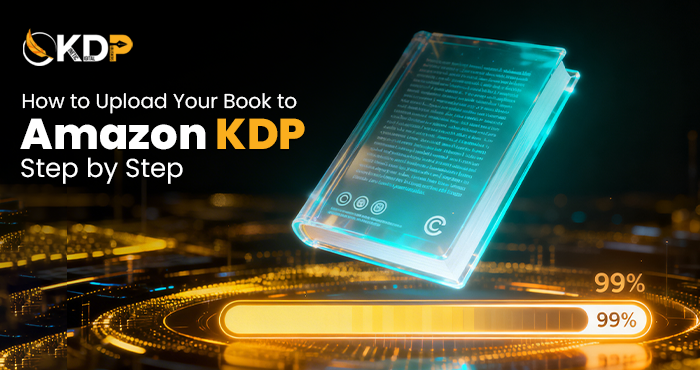
How to Upload Your Book to Amazon KDP Step by Step
You finished your book. That is huge. Now comes the part that scares most first-time authors, actually getting it onto Amazon.
The good news is that when you know the steps, uploading your book to Amazon KDP is not as scary as it looks. Kindle Direct Publishing is built for regular people, not just tech experts.
A lot of authors look at the KDP dashboard for the first time and just close the tab. It feels like too many boxes to fill, too many choices to make. But once you understand what each section is asking for, it all starts to make sense really fast.
This guide walks you through every step in plain, simple language. No confusion. No skipped details. Just a clear path from start to published.
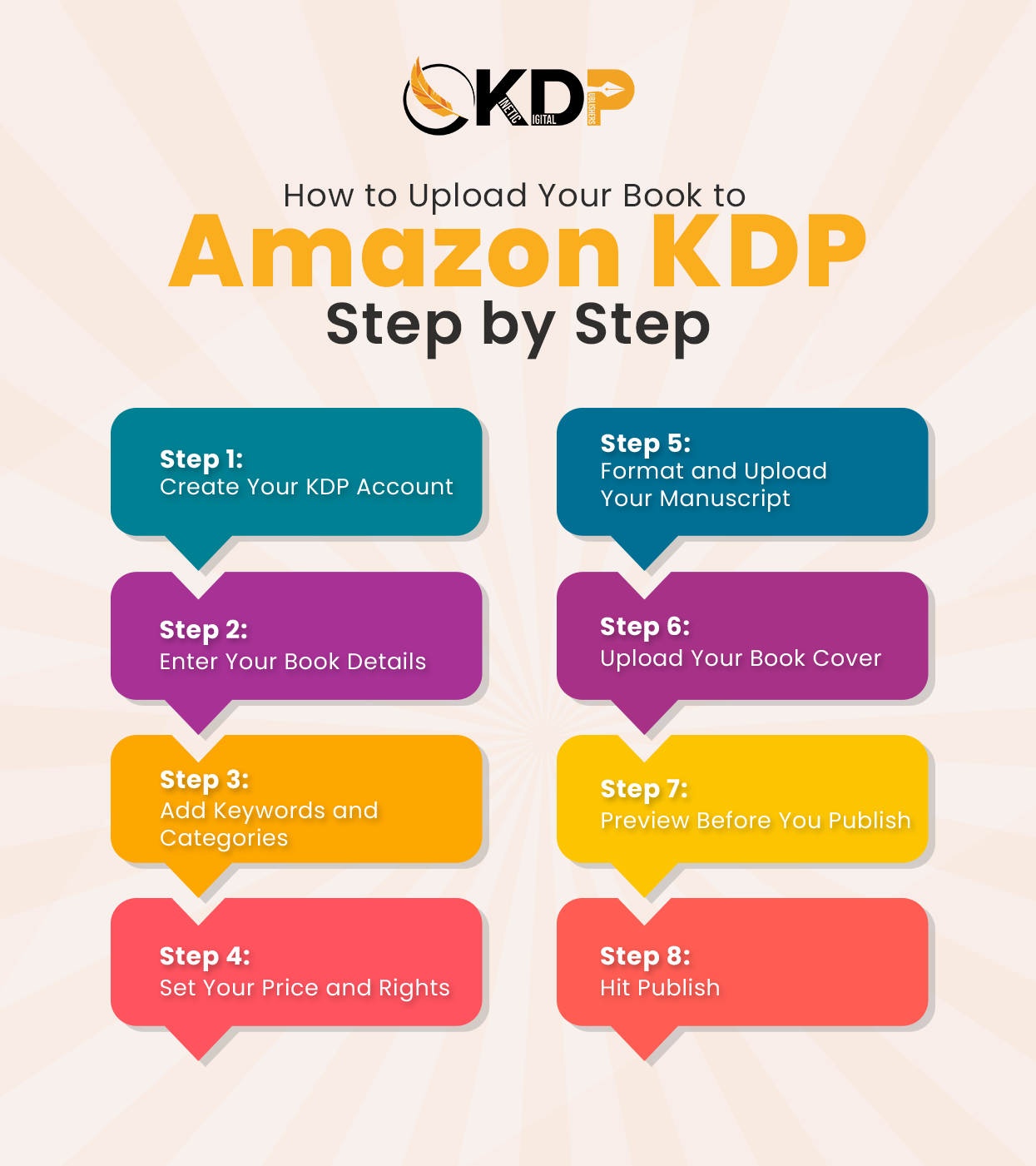
Step-by-Step Guide to Upload Your Book to Amazon KDP
First, Create Your KDP Account
Before anything else, you need a KDP account. Go to kdp.amazon.com and sign in with your Amazon account. If you already shop on Amazon, you already have one.
Once you are in, Amazon will ask for your author details, tax information, and payment method. Fill these out carefully. This is how Amazon knows where to send your royalties.
Take your time on the tax section. It sounds scary but it is just a short form. US authors will fill in a W-9. Authors outside the US fill in a W-8BEN. Amazon guides you through it step by step.
Set Up Your Book Details
After your account is ready, click the button that says “Create a New Title.” You will see two options Kindle ebook or paperback. Choose the one that matches your book, or do both.
This is where you enter your book metadata. That means your book title, subtitle, author name, and description. Take this section seriously. These details are what readers see when they find your book on Amazon.
Your book description is especially important. Write it like a back cover blurb. Hook the reader in the first two lines. Tell them what the book is about and why they need it. A strong description can make the difference between a click and a scroll past.
Add Your Keywords and Categories
Amazon gives you seven keyword slots. These help readers find your book through search. Think about what words someone would type if they were looking for a book just like yours.
Do not just type one-word keywords. Use longer phrases that real readers search. For example, instead of just “romance,” try “small town second chance romance.” Specific keywords bring in the right readers.
For categories, pick two that fit your book well. Look at where similar bestselling books are listed. Choosing the right category can help your book rank faster and get more visibility on the platform.
Choose Your Publishing Rights and Pricing
Amazon will ask about your publishing rights. If this is your original work and you have not sold the rights to anyone else, select “I own the copyright and I hold the necessary publishing rights.” Simple as that.
Next comes pricing. For ebooks, books priced between $2.99 and $9.99 earn a 70% royalty. Books outside that range earn 35%. Most authors start in the $2.99 to $4.99 range to attract early readers.
Think about your pricing strategy before you click. You can always change it later, but starting smart is better than starting over. If you need guidance on pricing and positioning, professional book publishing services can help you make the right call from the beginning.
Format and Upload Your Manuscript
This step trips up a lot of first-time authors. Amazon accepts Word documents (.doc or .docx) and PDF files for paperbacks. For ebooks, Word files work well for most books.
Before you upload, make sure your manuscript is properly formatted. That means consistent fonts, proper paragraph spacing, chapter headings in the right style, and no random blank pages. A messy file creates a messy ebook.
Amazon has a free tool called Kindle Create that helps you format your ebook before uploading. Download it, run your file through it, and preview how your book looks on a Kindle device. Fix anything that looks off before you submit.
Upload Your Book Cover
Your cover is the first thing readers see. A bad cover will cost you sales no matter how good the writing is. Do not skip this step or rush it.
Amazon recommends a cover size of 2560 x 1600 pixels. Upload it as a JPG or TIFF file. Make sure the title is easy to read even when the image is thumbnail size because that is how most people will see it in search results.
If you do not have a professional cover yet, this is worth investing in. A well-designed cover builds instant trust with readers and makes your book look like it belongs on a bestseller list. You can explore complete publishing support options that include cover design as part of a full package.
Preview Your Book Before You Publish
Amazon gives you a built-in previewer tool. Use it. Seriously. This shows you exactly how your book will look on different Kindle devices before any reader ever sees it.
Check every chapter. Look at how images appear if you have any. Make sure your table of contents links work properly. Read a few pages in the preview to catch any formatting issues that sneak through.
Most publishing mistakes happen because authors skip the preview step. A few extra minutes here can save you from having to unpublish, fix, and re-upload later.
Hit Publish and Wait
Once everything looks good, scroll down and click the orange publish button. Amazon will review your book. This usually takes 24 to 72 hours.
During this time, Amazon checks your file for formatting problems and makes sure everything meets their guidelines. You will get an email when your book goes live. Once it does, search your title on Amazon and see it there for yourself.
That moment is something special. Your book, live on the world’s biggest bookstore.
What to Do Right After Publishing
Going live is just the beginning. Now you need readers to find you. Start by setting up your Amazon Author Central page. Add your photo, your author bio, and links to your website.
Having a website gives readers a place to learn more about you and your other books. If you do not have one yet, look into building your author website so you have a home base outside of Amazon.
Share your book link on social media, send it to your email list if you have one, and ask friends or early readers to leave honest reviews. Early reviews help your book rank and build trust with new readers.
Conclusion
Now you know exactly how to upload your book to Amazon KDP without the confusion or the guesswork. Every step is doable, and every step matters.
Remember, every author who is on Amazon today was once exactly where you are right now. They had the same questions, the same doubts, and the same blank screen staring back at them. The only difference is they took the first step anyway.
Take it one section at a time. Set up your account. Fill in your details carefully. Format your file properly. Upload your cover. Preview everything. Then publish.
If you want hands-on help at any point in this process, the team at Kinetic Digital Publishers Amazon KDP publishing support is ready to guide you from manuscript to live listing the right way, the first time.